Cape Verde flag for your football boots
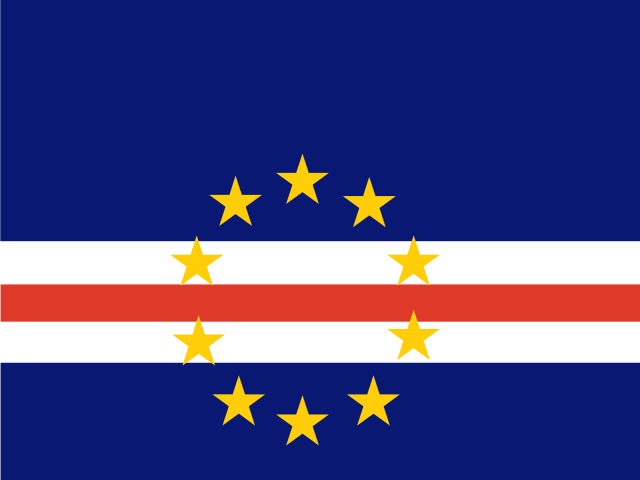
A full-colour Cape Verde flag transfer you press onto your boots at home in five minutes. 15 × 10 mm with rounded corners, no heat, no glue, and no sending your boots away.
From R120 · pair for both boots R200 · Pudo delivery across South Africa
Your colours on every touch
Whether you grew up supporting Tubarões Azuis or it’s where your family comes from, the Cape Verde flag (blue, white, red and yellow) is one of the details players order most. It sits neatly on the heel or the outside of the boot, next to your name or number, and reads clearly from the stands.
Real flag colours
Printed in full colour on clear film. Only the flag goes on the boot, with no white box around it.
Rounded so it stays put
Every flag is 15 × 10 mm with 1.2 mm rounded corners, so there’s no sharp point to catch and lift.
Any boot brand
Works on smooth leather and synthetic panels on any brand. Check yours in our compatibility guide.
Lasts the season
Wipe your boots clean as usual. Just keep them out of the washing machine.
Popular with the Cape Verde flag
Name + flag
Your surname in Russo One with the flag beside it, on the outside heel.
Number + flag
Shirt number on one side, flag on the other.
Both boots
Order a pair so the flag is on the left and right boot.
On in five minutes
- Clean the spot and let it dry.
- Place the transfer — the heel and smooth side panels are best.
- Press firmly for 10–15 seconds.
- Peel the clear film slowly after a minute.
- Play — full strength after 1–2 hours.
Questions
What size is the Cape Verde flag?
It prints 15 × 10 mm as standard. In the 3D studio you can set any height from 5 to 50 mm and see it on the boot at real size first.
Will it come off when I play?
Applied to a clean, smooth panel it holds for a full season of matches, rain and normal boot cleaning. Avoid knit and mesh areas.
Can I add my name next to the flag?
Yes. Add the flag, your name, number or an emoji in the 3D studio; each one is its own transfer from R120.
Other flags
 Morocco
 Angola
 Nigeria
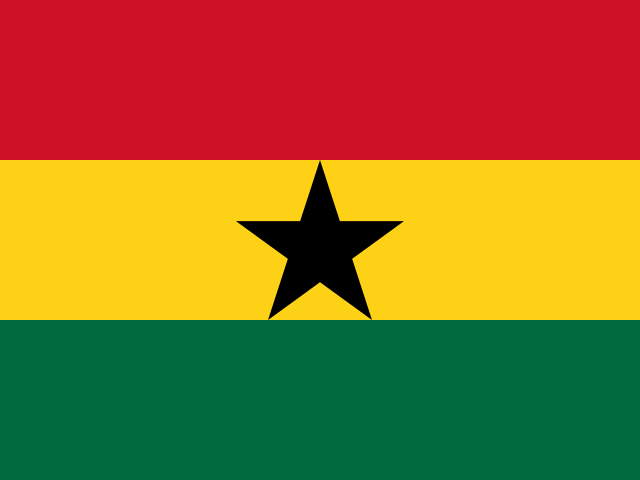 Ghana
Ghana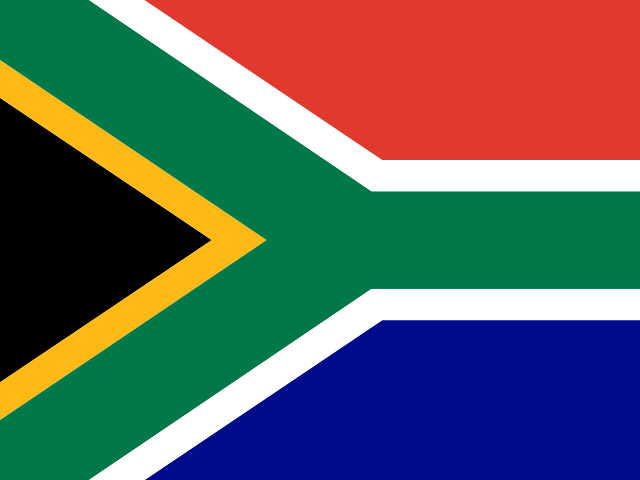 South Africa
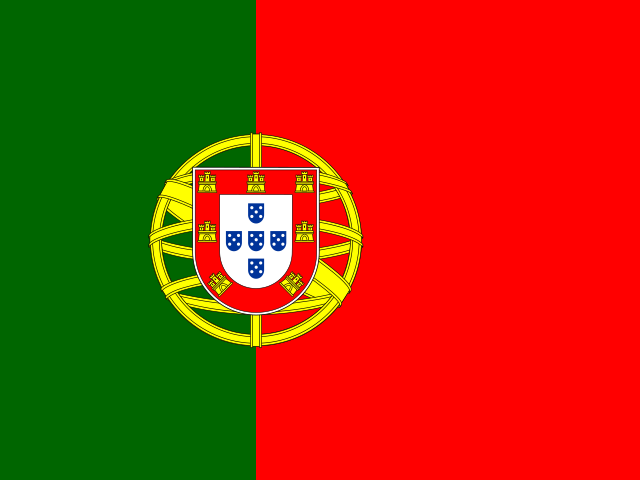 Portugal
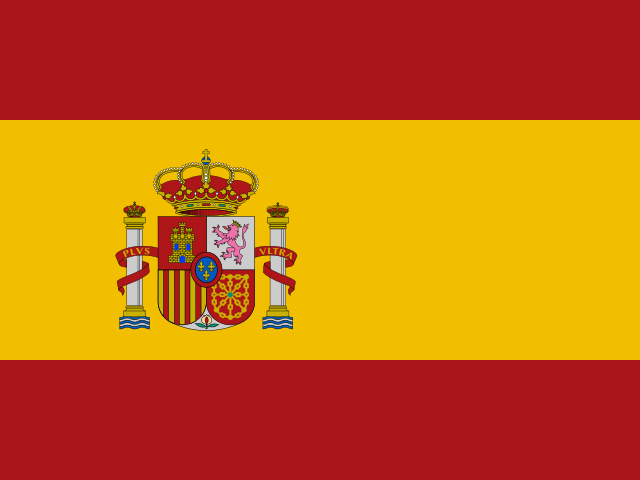 Spain
Spain France
See the Cape Verde flag on your boot
Open the 3D studio with the flag already on the boot. Move it, resize it, add your name.